 POS for Retail
 Sales Hub
 Product Hub
 Inventory Management
 Whatsapp Marketing
 Marketing Automation
 Browser Notification
 Email Marketing
 Fusion Mail
 SMS Marketing
 Fusion SMS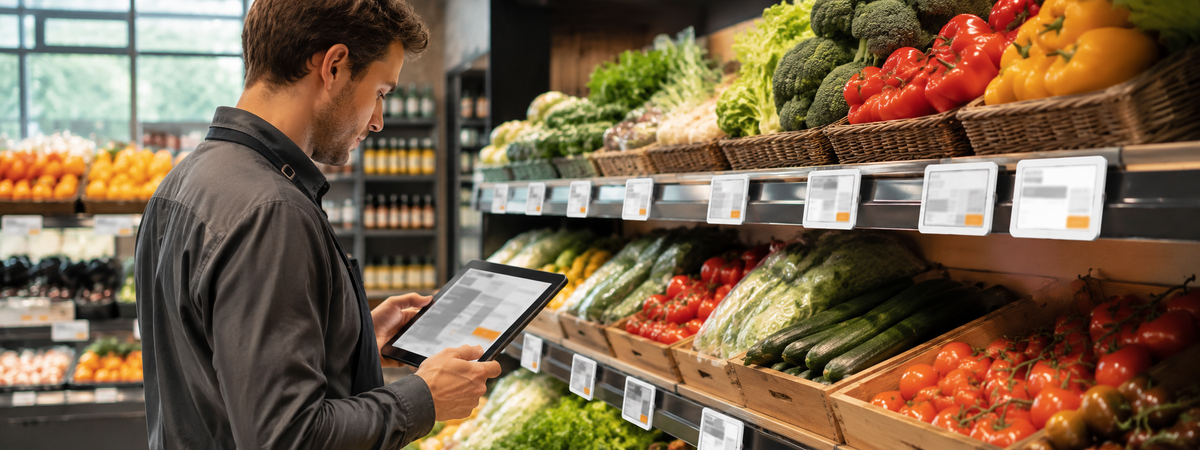
Digital Price Screens for Grocery Stores
Learn how grocery stores can use digital price screens for faster price updates, clearer promotions, and better shelf communication.
Grocery Pricing Changes Fast
Grocery stores manage one of the most active pricing environments in retail. Fresh products, supplier changes, weekly promotions, loyalty offers, seasonal products, and local competition can all require price updates.
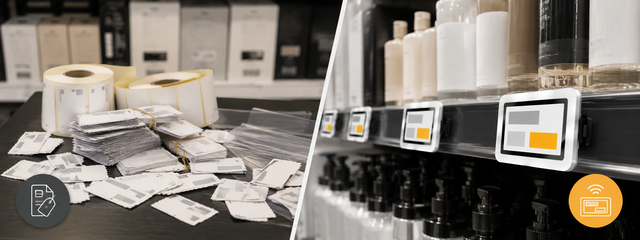
When those updates depend only on paper tags, the store team spends valuable time on repetitive work. Digital price screens help grocery operators move faster while keeping shelf communication clearer.
Better Shelf Communication
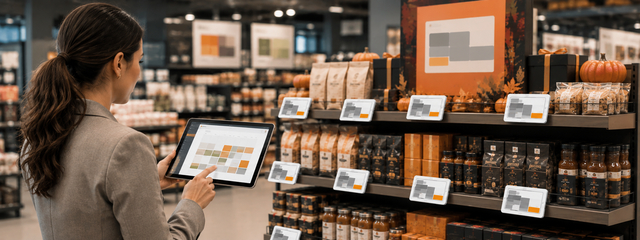
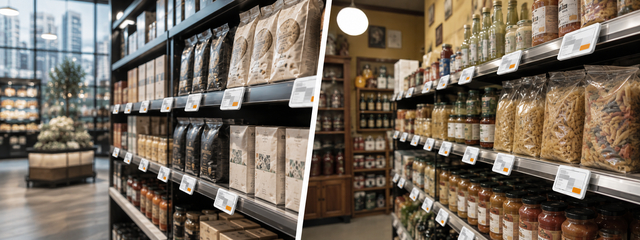
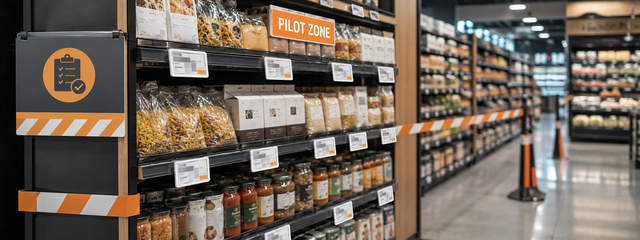
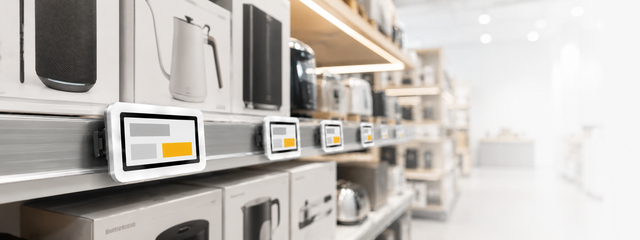
A grocery shelf is not only a place to show a number. It can explain unit price, promotion timing, product origin, stock status, or campaign messaging. Digital price screens give teams more flexibility than static paper labels.
For example, a store can use screens to support:
- Weekly offers
- Fresh product price changes
- Multi-buy promotions
- Category campaigns
- Product availability messages
- Local store campaigns
Operational Benefits
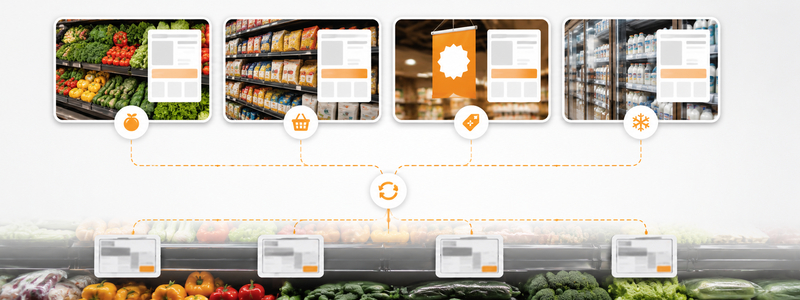
The value of digital price screens becomes clear when pricing changes happen at scale. A central update process can reduce repeated label work, help stores avoid old tags, and give managers better control over when campaigns appear.
For WDC customers, this topic connects naturally with Product Hub, Inventory Management, POS for Retail, and Sales Hub. Digital Price Screen becomes the visible layer of a larger retail operation.
FAQ
Why do grocery stores use digital price screens? They use them to update prices faster, reduce manual tagging, and keep promotions clearer on shelves.
Can digital price screens show more than price? Yes. They can support product information, campaign details, and stock-related messages depending on configuration.
Business Context for Retail Teams
A digital price screen decision should be evaluated as part of the wider retail operating model, not only as a hardware purchase. The core issue is grocery store use cases where fresh products and weekly offers change quickly. When pricing information is handled manually, every change creates a small operational dependency: someone must receive the new price, create the label, place it correctly, check it, and remove it when the offer ends. A digital price screen reduces that dependency by making the shelf display part of a connected pricing workflow.
For a retail decision maker, the important question is not simply "Should we replace paper?" The better question is: "How often does our store need to change what customers see at the shelf, and how much risk do we create when that process is manual?" That question makes the business case clearer. Stores with frequent campaigns, large product ranges, multi-location operations, or strict price accuracy requirements usually feel the pain earlier.
Where This Fits in the Store Workflow
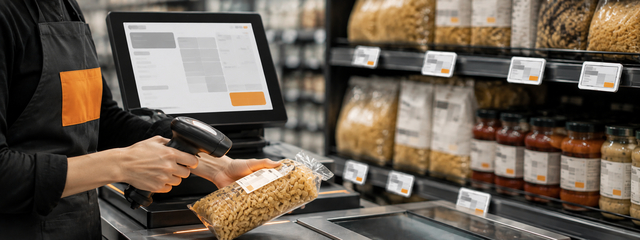
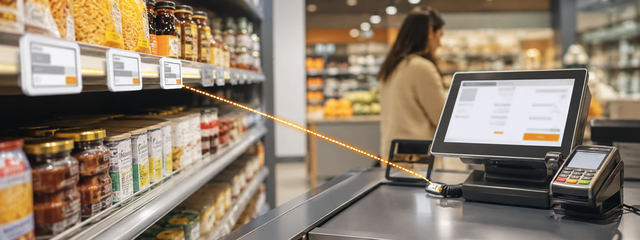
A digital price screen works best when it is connected to the systems that already hold product, price, campaign, and stock information. In the WDC environment, that may include Product Hub for product data, POS for Retail for checkout alignment, Sales Hub for sales visibility, and Inventory Management for stock-related operations. The screen should be the visible layer of a controlled workflow, not a separate place where teams type prices again.
Useful workflow examples include:
- fresh food pricing
- unit price clarity
- local campaigns
- stock-sensitive messages
These use cases matter because the shelf is where operational data becomes customer-facing. A price may be correct in a spreadsheet, product database, or POS system, but it only earns customer trust when the same information appears clearly in the store.
Implementation Considerations
Before rolling out digital price screens, the retailer should define ownership. Who controls the price? Who approves campaign messages? Who checks that the display is attached to the correct product? Who handles exceptions when a store needs a local adjustment? These questions sound operational, but they determine whether the system creates order or simply moves manual work into another tool.
Start with one category or store area. Choose a place where price changes happen often enough to prove value. During the pilot, measure how long updates take, how many manual steps disappear, and whether store staff can handle routine changes without confusion. After that, expand category by category.
Common Mistakes to Avoid
The most common problems are rarely about the screen itself. They usually come from weak process design:
- overloading the screen with text
- ignoring unit price details
- not planning end dates for promotions
Avoiding these mistakes keeps the project grounded. The goal is not to make the shelf look more digital. The goal is to make price communication more accurate, faster to manage, and easier for customers to understand.

How to Measure Success
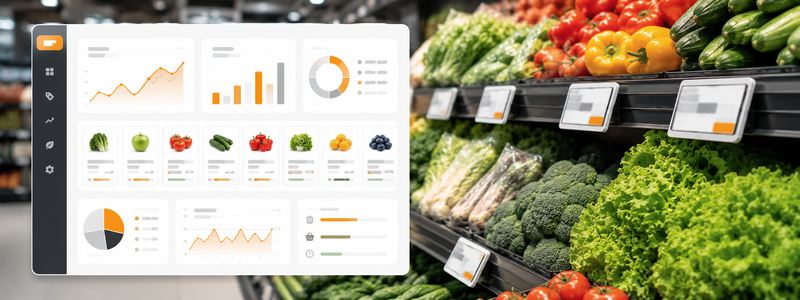
Retailers should measure digital price screen performance with operational and customer-facing metrics. Useful metrics include price update time, number of manual label changes avoided, price mismatch incidents, campaign launch speed, staff interruptions caused by price questions, and the number of outdated shelf messages found during checks.
A useful baseline is the current manual process before rollout. Count how many people are involved in a typical price change, how long the change takes from approval to shelf visibility, how often old labels remain in place, and how many customer questions relate to price clarity. After installation, compare the same indicators category by category. This makes the value visible in daily operations, not only in a technology budget.
Conclusion
Digital price screens are most valuable when they solve a real operational problem. They help stores reduce manual labeling, keep shelf communication aligned with internal systems, and support clearer campaigns. For retailers planning a more connected store environment, WDC Digital Price Screen can act as the customer-facing display layer of a broader retail management workflow.